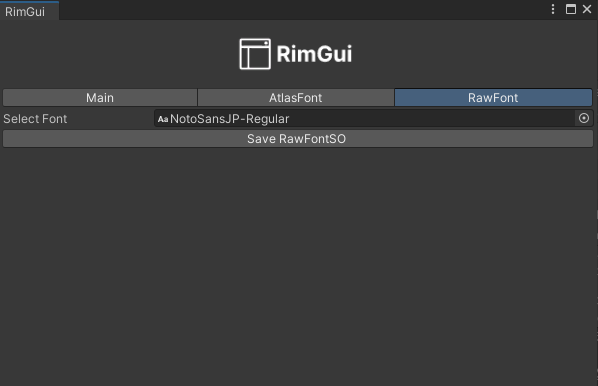
EditorWindow
This is a window that can be displayed in the Unity Editor.
You can use it to generate AtlasFont and Rawfont.
You can open it from the menu bar via:
Tools → Gridrand → RimGuiWindow
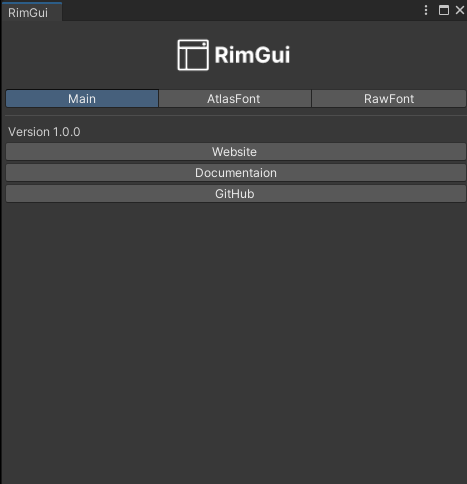
AtlasFont Tab
This tab allows you to generate an AtlasFont.
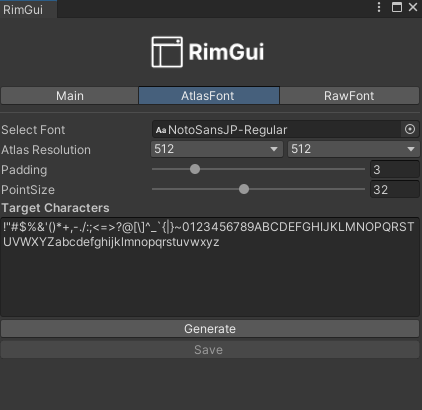
Enter the required characters in the Target Characters field, click Generate, then click Save to create an asset named AtlasFontSO.
| Item | Description |
|---|---|
| Atlas Resolution | Resolution of the generated atlas |
| Padding | Amount of padding between characters |
| Point Size | Size of the characters |
RawFont Tab
This tab allows you to generate a RawFont.
The image below shows the tool for creating a RawFontSO asset, which contains the binary data of a font: